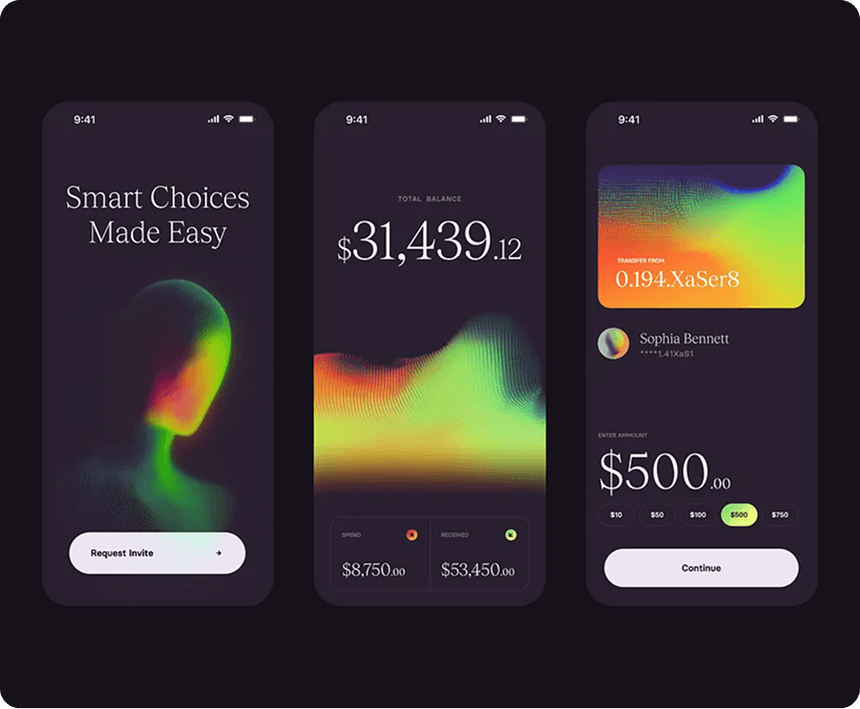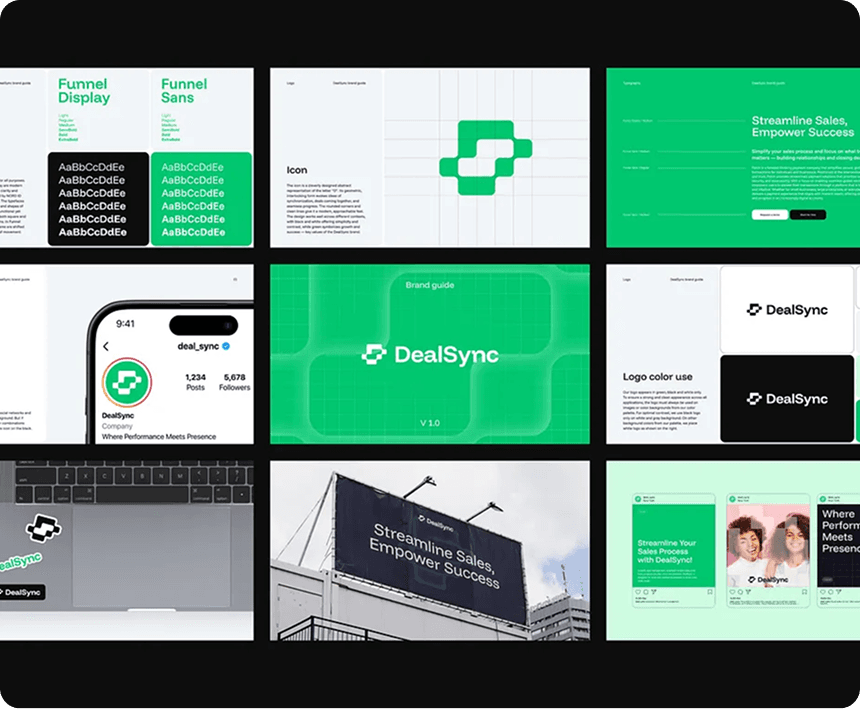
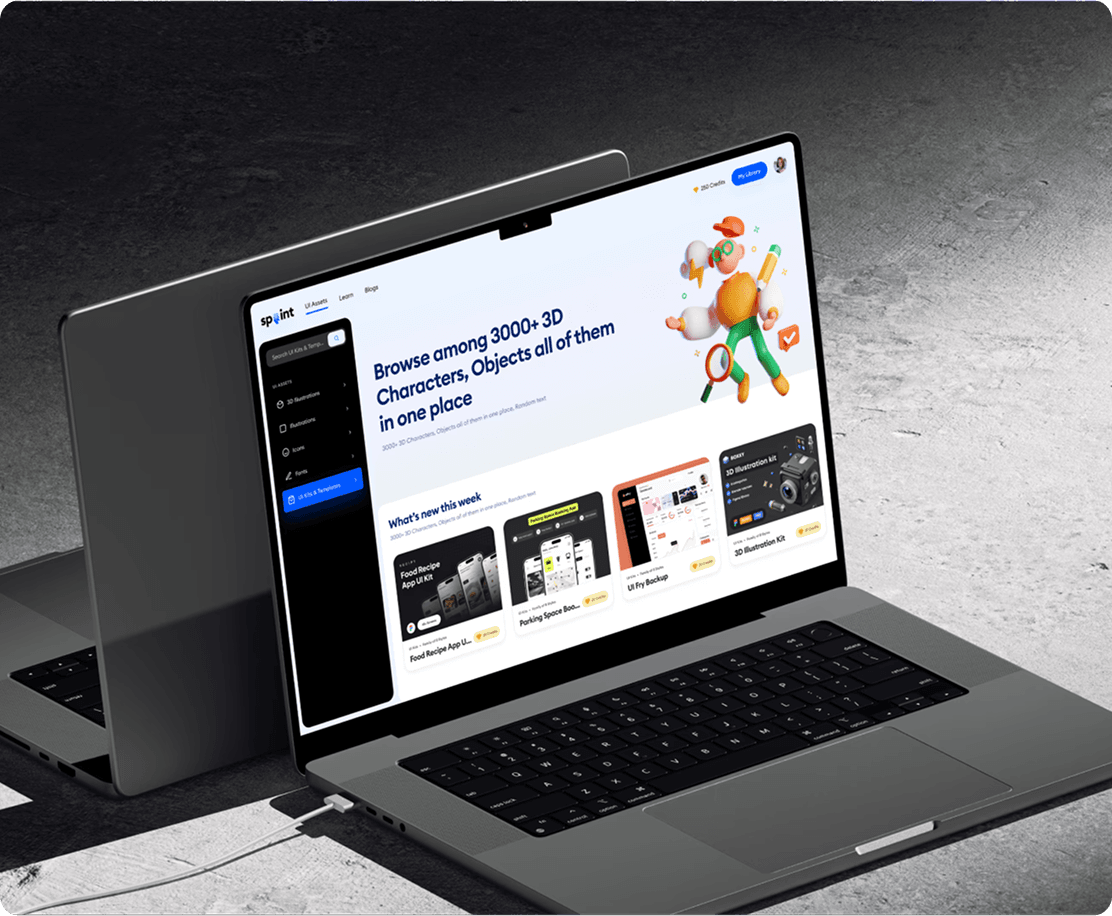
UI Design for Automation Platform
Most hiring managers can tell you what a role costs to fill. Far fewer can tell you the cost of a bad hire. Advertising spend, agency fees, the hours spent interviewing. These are visible costs that show up somewhere in a budget. What rarely gets calculated is what happens when that hire doesn’t work out.
A bad hire isn’t just a recruitment problem. It’s a financial one, an operational one, and in many cases a cultural one. The costs compound quickly, and most of them are invisible in the moment they’re being incurred.
This post gives HR managers and P&C leaders a practical framework for calculating the true cost of a bad hire in their own organisation and for building the business case for the verification steps that prevent it.
Problem Statement
The most common way organisations estimate bad hire cost is to multiply the departing employee’s salary by a factor between 1.5 and 5. That range reflects genuine variation depending on seniority, role complexity, and how long the person stayed. But even the upper end of that estimate typically undercounts the real cost, because it focuses almost entirely on direct and visible expenditure.
This post gives HR managers and P&C leaders a practical framework for calculating the true cost of a bad hire in their own organisation and for building the business case for the verification steps that prevent it.

Goals
Since the pandemic prevented buyers from physically visiting the properties, we implemented a digital campaign to give them a virtual experience of the properties.
- Design a user-friendly UI for creating and managing automation workflows
- Support drag-and-drop automation building
- Visualize real-time process flow and analytics
- Ensure scalability for enterprise use
- Optimize onboarding for non-technical users
Challenges
Pain Points:
- Hard to debug failed automations
- Too many steps to create simple flows
- Lack of integration previews
Desired Features:
- Visual editor
- Smart suggestions
- Error-handling UI
- Template library
Results
Since the pandemic prevented buyers from physically visiting the properties, we implemented a digital campaign to give them a virtual experience of the properties.
- Design a user-friendly UI for creating and managing automation workflows
- Support drag-and-drop automation building
- Visualize real-time process flow and analytics
- Ensure scalability for enterprise use
- Optimize onboarding for non-technical users

You may also like
Our newsroom highlights the milestones shaping Shipora and the markets we serve.