Technety

MICROSOFT 365 AND GOOGLE WORKSPACE

Microsoft 365 Administration and Security, Done Properly

Day to day administration, security hardening and AI readiness for the platforms your business runs on. Email, files, identity and collaboration, configured and protected the way they should be.

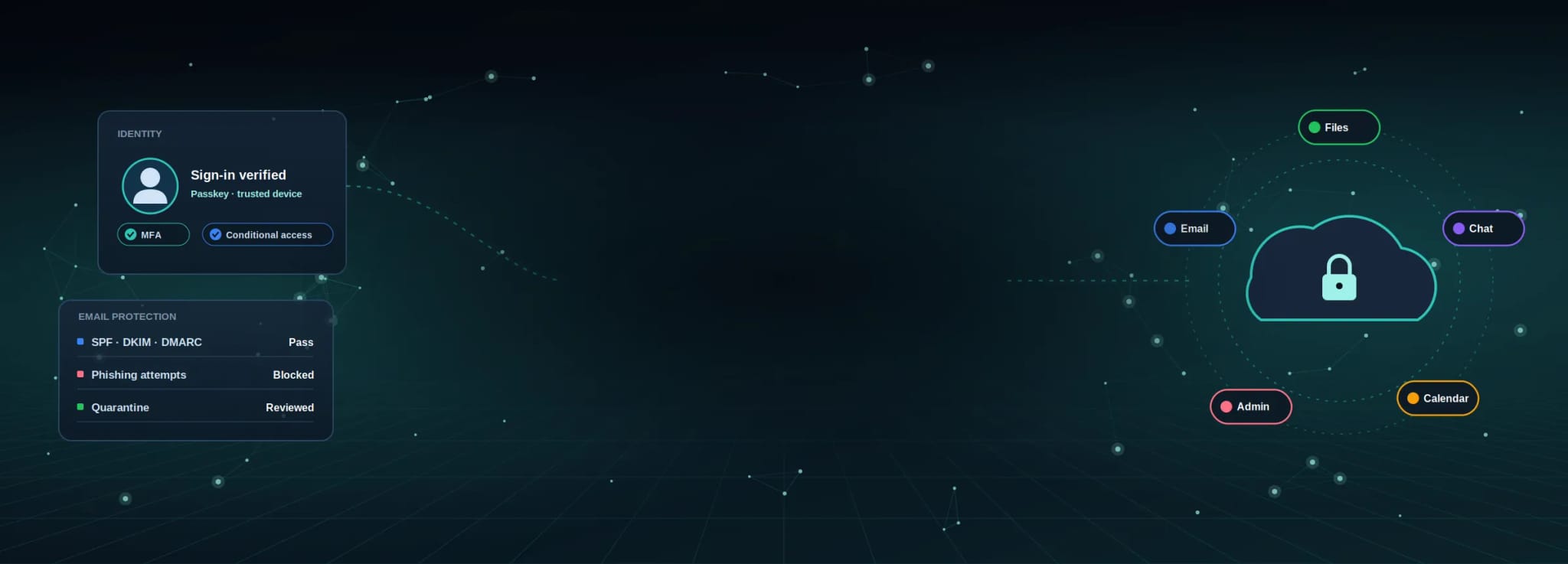
Almost every business now runs on Microsoft 365 or Google Workspace, and very few are configured securely. Out of the box, tenants are built for convenience: legacy authentication left open, external sharing unrestricted, administrator accounts unprotected and audit logging switched off. We fix that, and we handle the everyday work around it: user onboarding and offboarding, license cleanup, permissions and the support tickets your team raises each week. We also get tenants ready for Copilot, which is a security project before it is an AI project.

48 hrs

To a complete Microsoft 365 security assessment

+40%

Average Microsoft Secure Score improvement after onboarding

5 min

Average response time on support requests

12+

Years of founder-led IT and Microsoft 365 expertise

Challenges We Solve

The problems hiding inside your tenant

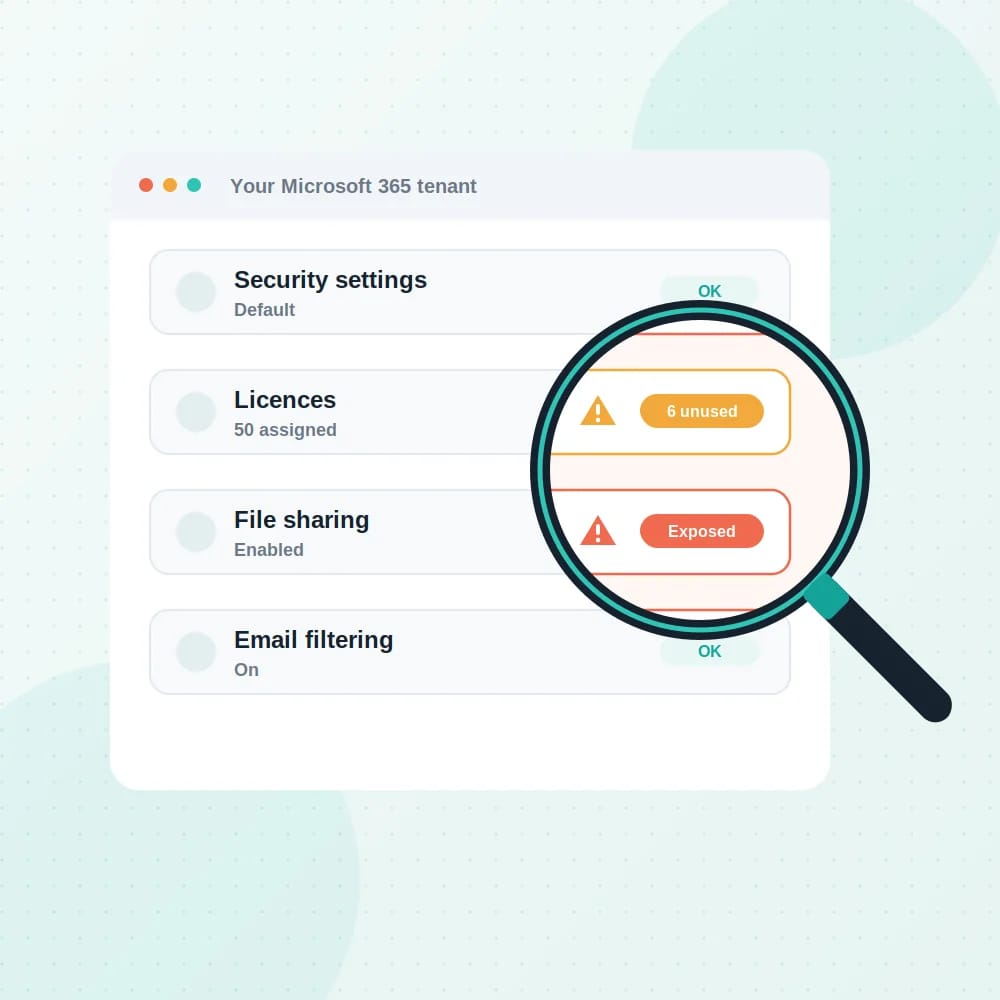
A new tenant is configured for ease of setup, not for safety. Legacy protocols, open external sharing and unprotected admin accounts stay that way until somebody deliberately changes them.

Get a Free Consultation

What's Included

What managing your tenant properly involves

The administration your team sees, and the security configuration they should never have to think about.

Identity and access management

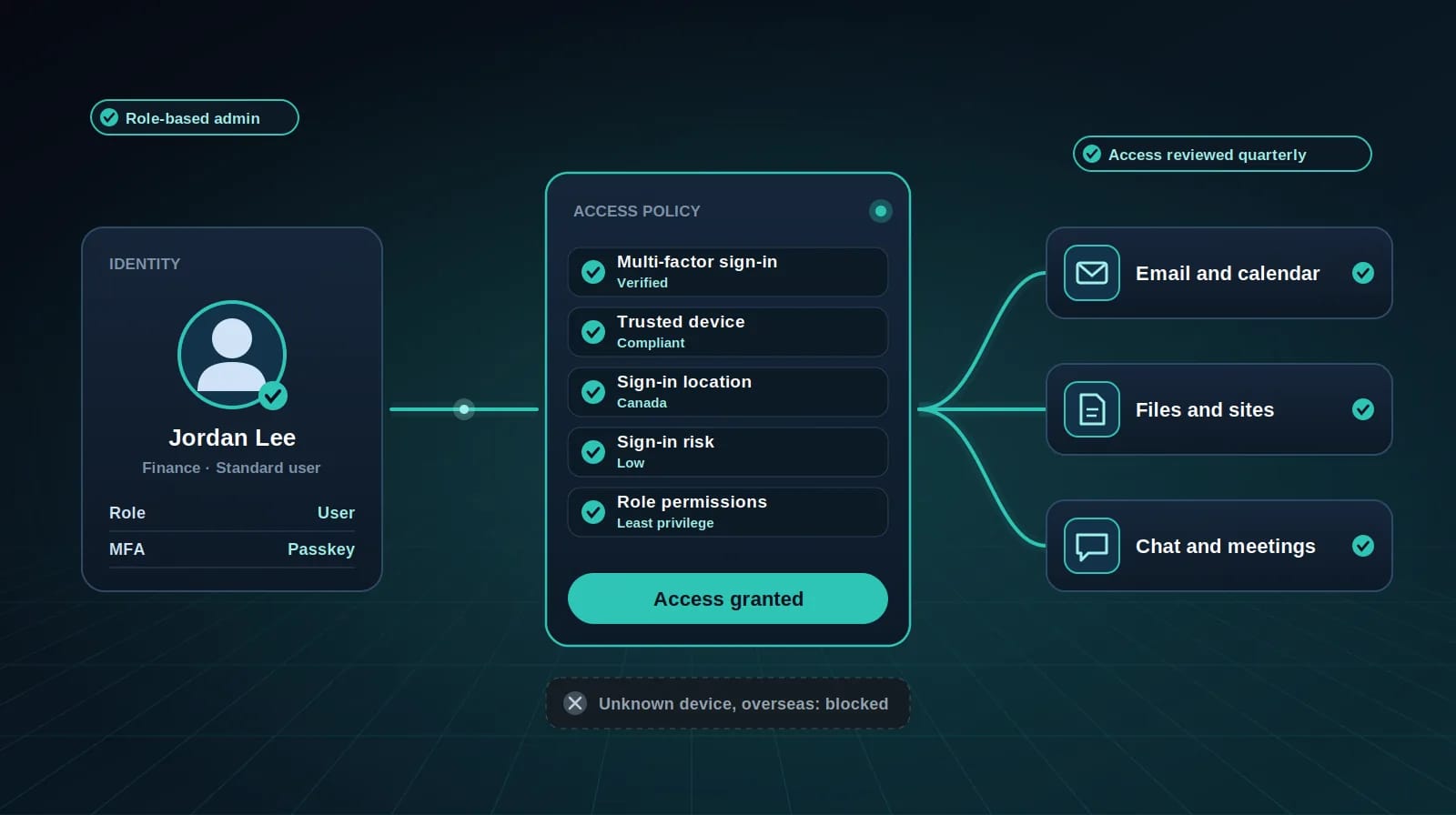
Microsoft Entra ID or Google identity configured with enforced multi-factor authentication, conditional access, role-based administration and regular access reviews. ✓ Multi-factor authentication enforced for every account ✓ Conditional access based on device, location and risk ✓ Role-based admin rights with least-privilege access ✓ Regular reviews to remove stale or excessive access ✓ Secure onboarding and offboarding of user accounts
Identity and access management

Email security

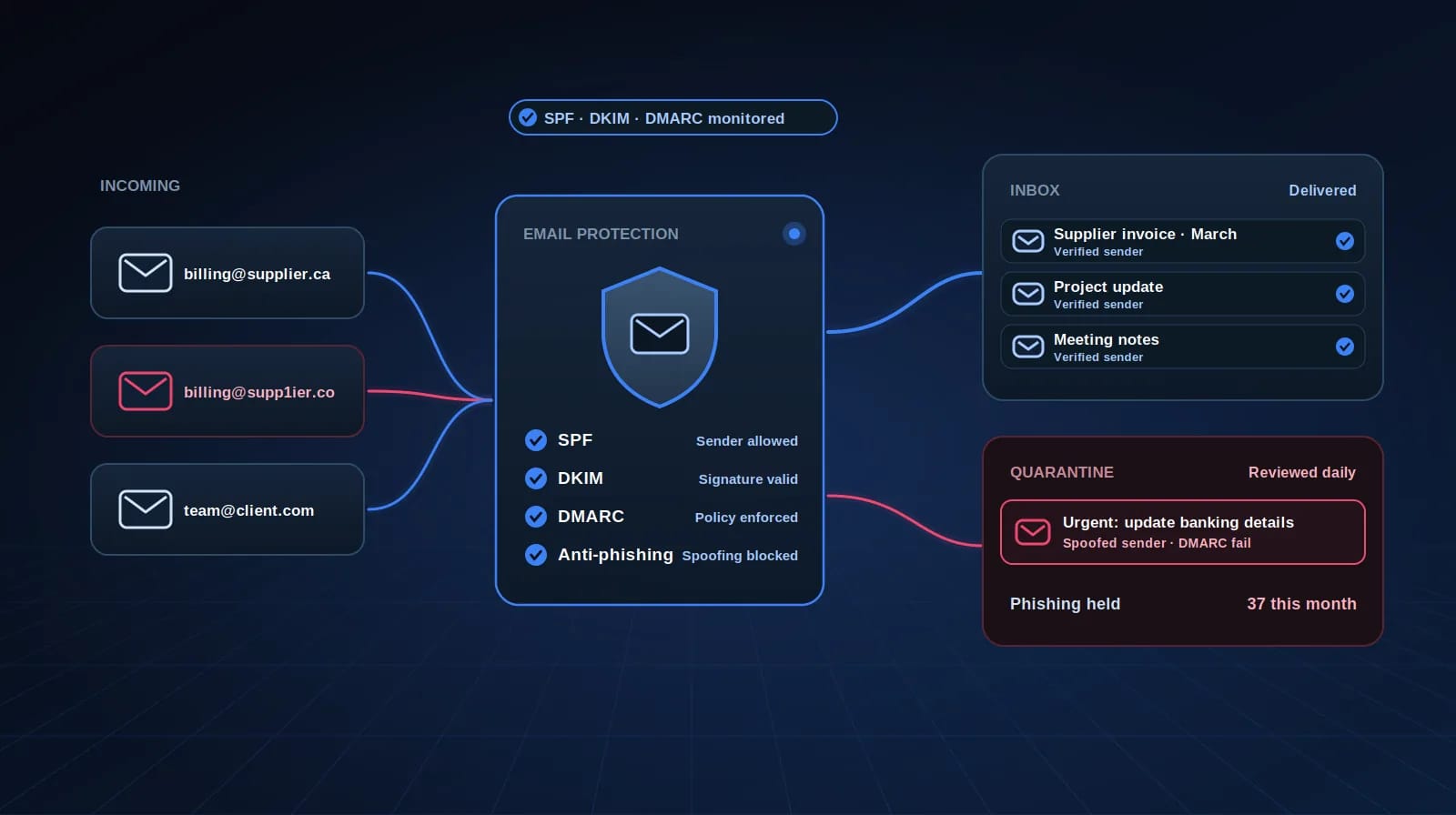
Anti-phishing and anti-spoofing controls, SPF, DKIM and DMARC configured and monitored, and quarantine actively managed rather than ignored. ✓ Anti-phishing and impersonation protection ✓ SPF, DKIM and DMARC set up and monitored ✓ Safe link and attachment scanning ✓ Quarantine reviewed and released with care ✓ External sender warnings for staff

Email security

User lifecycle management

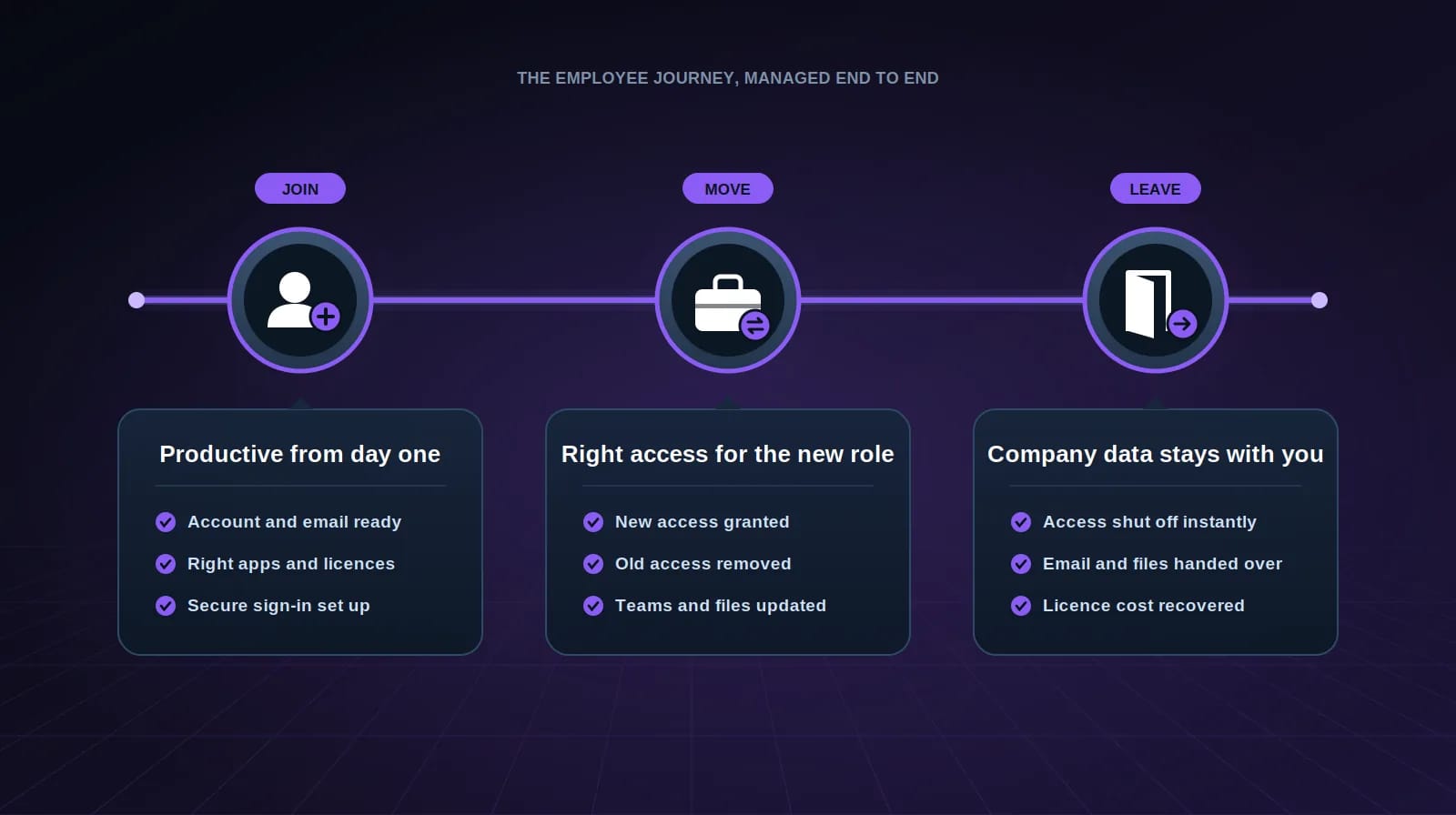
New hire setup, role changes and offboarding handled quickly and completely, including mailbox delegation and file handover, so nothing is missed and no access is left behind. ✓ New user accounts, licences and groups ready on day one ✓ Access updated promptly when roles change ✓ Old permissions removed, not just new ones added ✓ Secure offboarding with mailbox delegation and file handover ✓ Every change documented for audit and compliance

User lifecycle management

Data governance and Copilot readiness

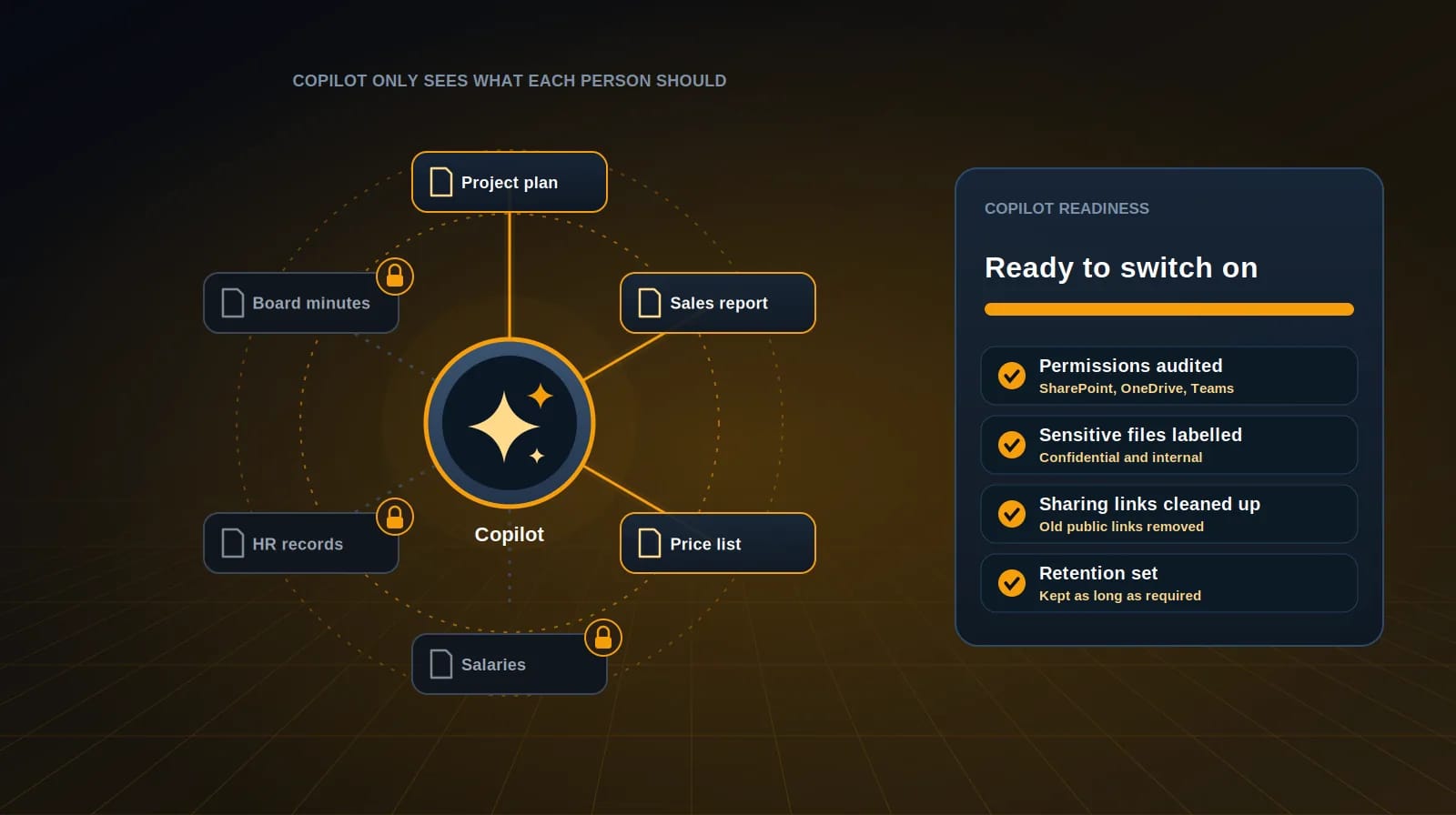
Permission audits across SharePoint and OneDrive, sensitivity labelling, sharing controls and retention policies. Copilot surfaces anything a user already has access to, so this work needs doing before it’s switched on, not after. ✓ Permission audits across SharePoint, OneDrive and Teams ✓ Sensitivity labels for confidential information ✓ External sharing controls and link clean-up ✓ Retention policies aligned with your obligations ✓ Copilot readiness review before rollout

Data governance and Copilot readiness

Backup and retention

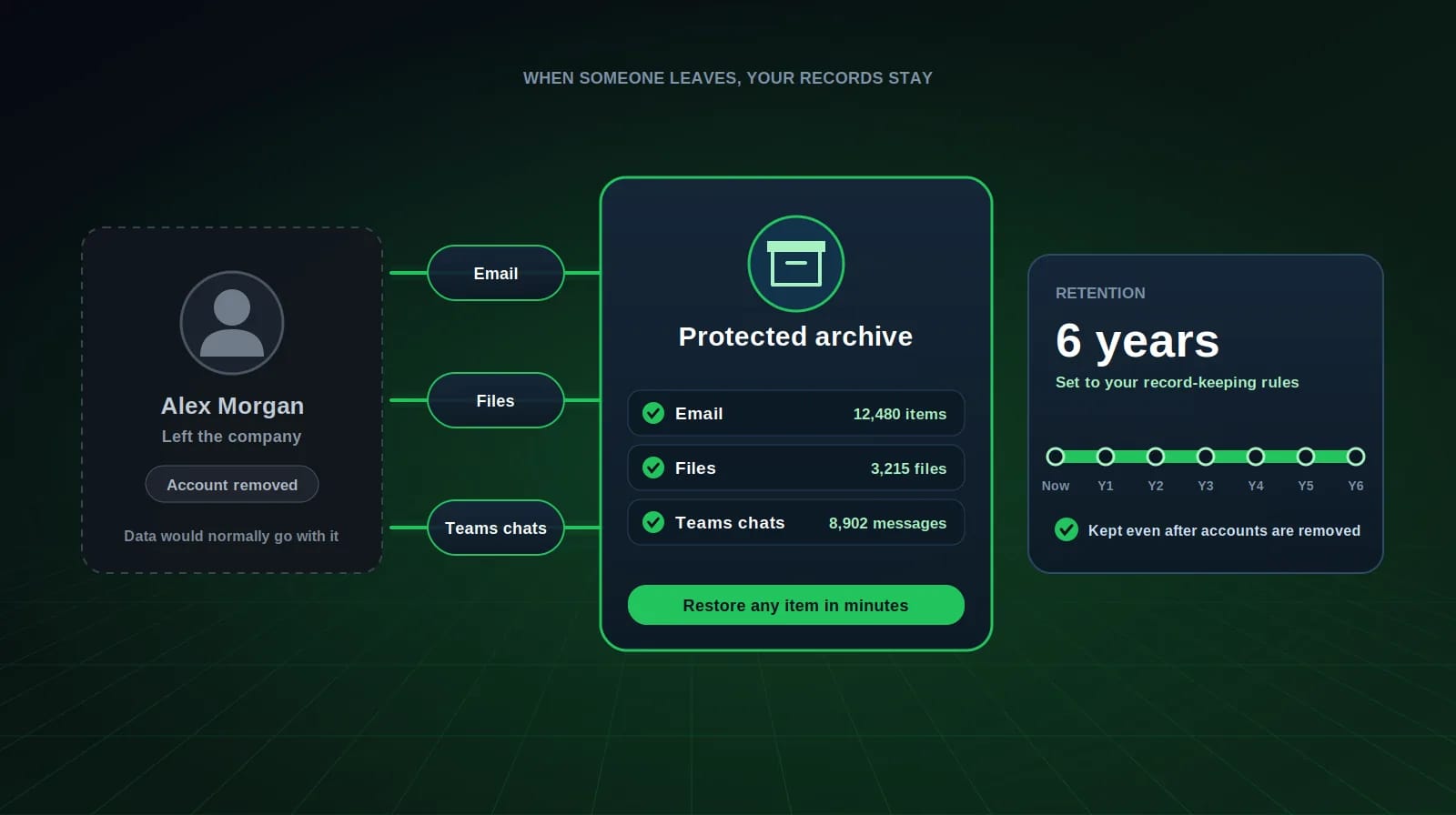
Backup of mail, files and Teams content with retention policies set to your obligations, so a deleted or departed account doesn’t take your records with it. ✓ Backup of email, OneDrive, SharePoint and Teams ✓ Retention policies matched to CRA and industry requirements ✓ Records preserved when employees leave ✓ Fast restore of individual emails, files or whole accounts ✓ Backups stored separately from Microsoft 365

Backup and retention

License optimization

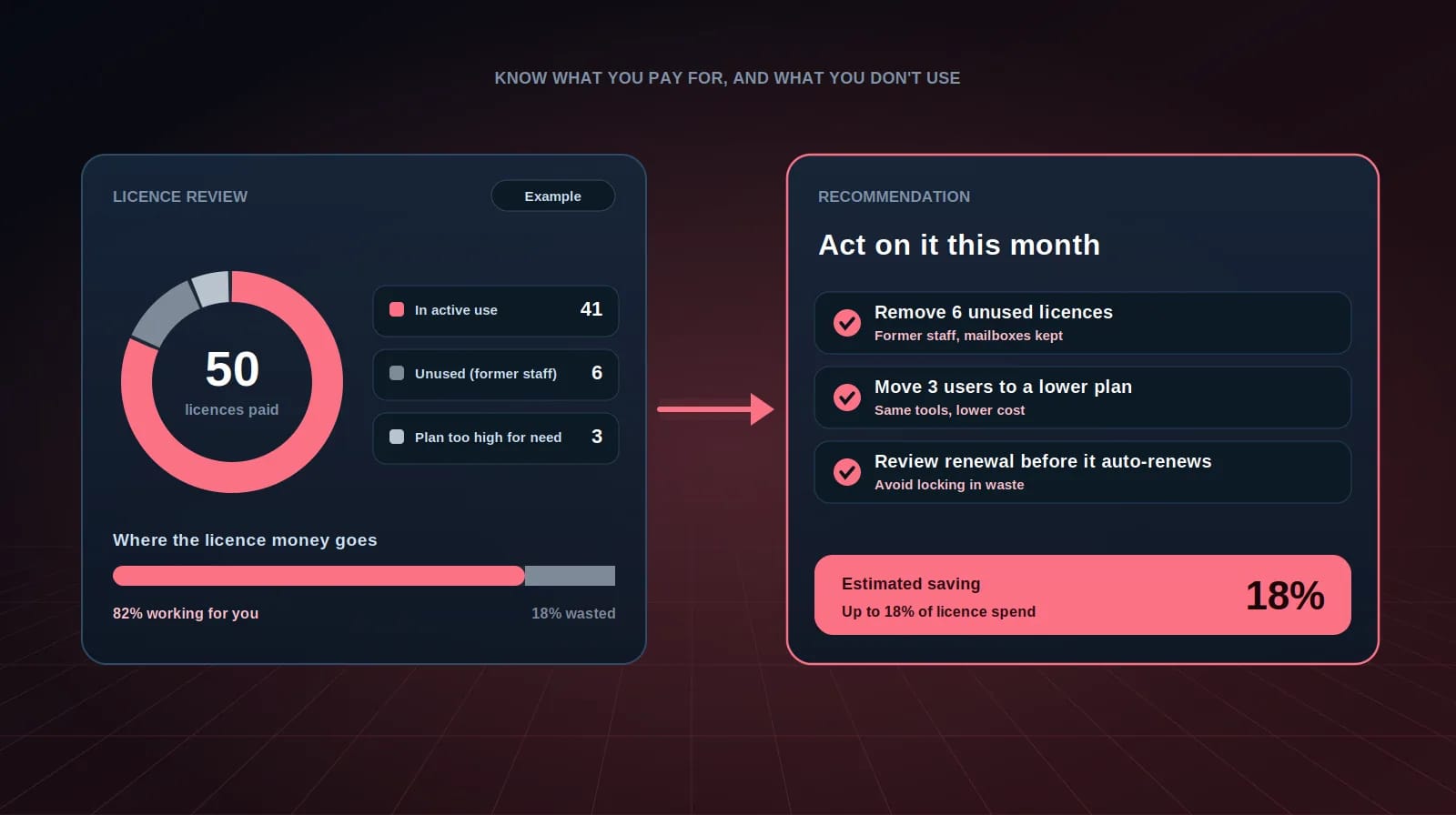
A review showing exactly what you’re paying for and what’s going unused, with a recommendation you can act on the same month. ✓ Full review of every assigned licence ✓ Unused licences from former staff identified ✓ Right-sized plans for each user’s actual needs ✓ Renewal dates tracked before they auto-renew ✓ Clear, costed recommendation you can act on

License optimization

Benefits

Why Managed IT Makes a Difference

Increase Productivity

When systems are stable and support is quick, your team stops losing hours to technology and gets that time back

Lower IT Costs

Predictable monthly support instead of emergency call outs and the salary cost of a full internal team.

Improve Security

Continuous patching, hardened identity settings and monitoring that catches problems while they are still small.

Scale with Confidence

Onboarding a new hire or opening a second location should take hours, not weeks. We build environments that grow cleanly.

Peace of Mind

Your systems are being watched, your backups are checked, and you always know who to call

WHAT OUR CLIENTS SAY

In their words

“Technety votal role in modernizing our legacy systems with a seamless Odoo ERP integration. Their team was responsive, professional, and highly skilled.”

Laura Mitchell

COO, Pacific Growth Supplies, USA

Our process

How we work with you

The same four steps on every engagement, whether it is a single project or the whole IT function.

  1. Discover

    We learn your business, your goals and the technology you have today.

  2. Plan

    We design a solution that fits your objectives and your budget, and tell you what it will cost before you commit.

  3. Implement

    We deploy, configure and test, scheduled to keep disruption to your team at a minimum.

  4. Support

    We monitor, optimize and support your technology as your business changes.

FAQs

Frequently Asked Questions

Yes. We administer both, and we support organizations running a mix of the two, which is more common than most people expect.